Set up a campaign
Choose what to capture and when. Playtrace handles the rest.
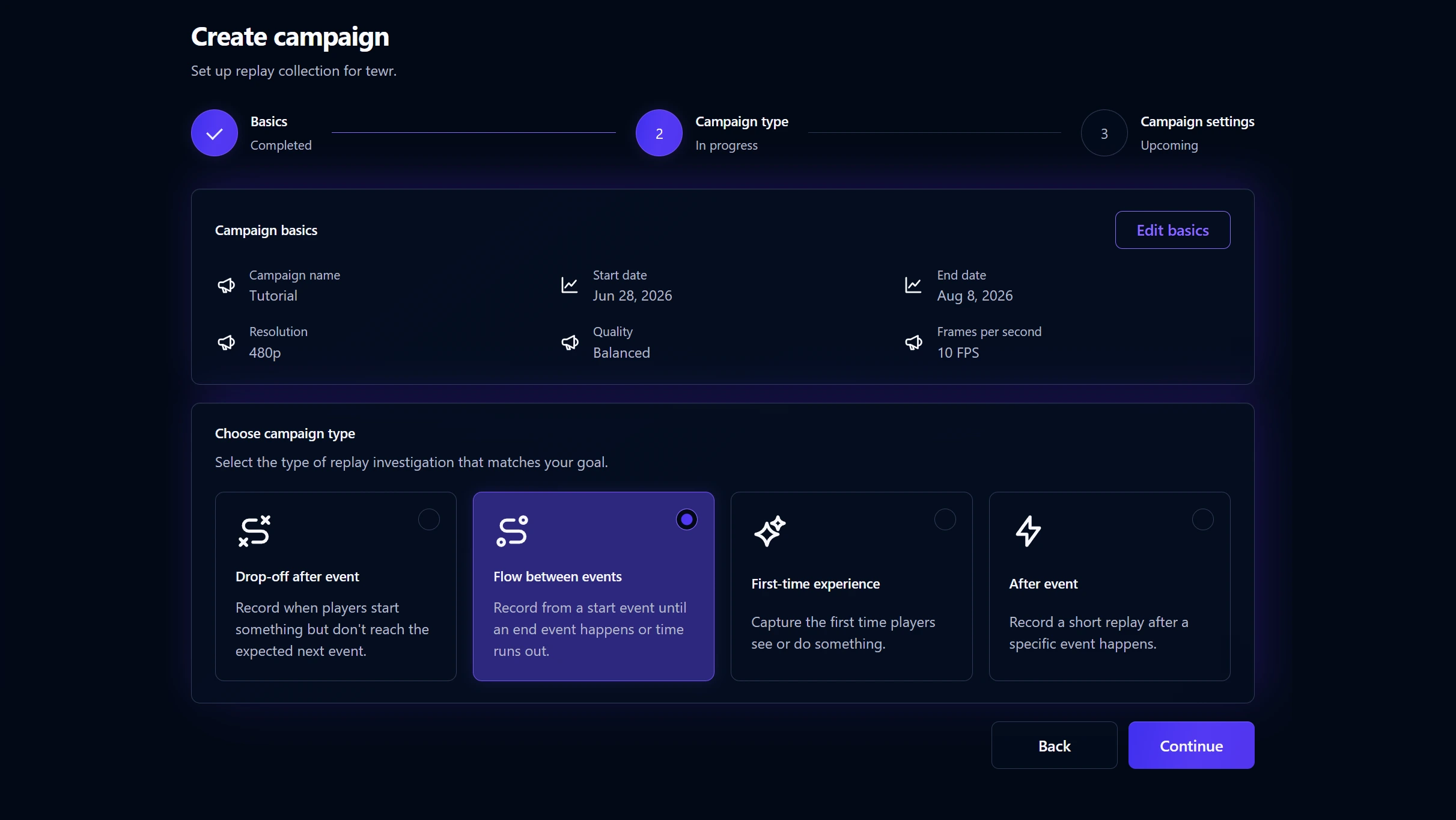
Built for games, loved by game teams.
Pin replay campaigns around the exact moments that matter. Capture the clip, preserve the context, and understand what happened before players leave.
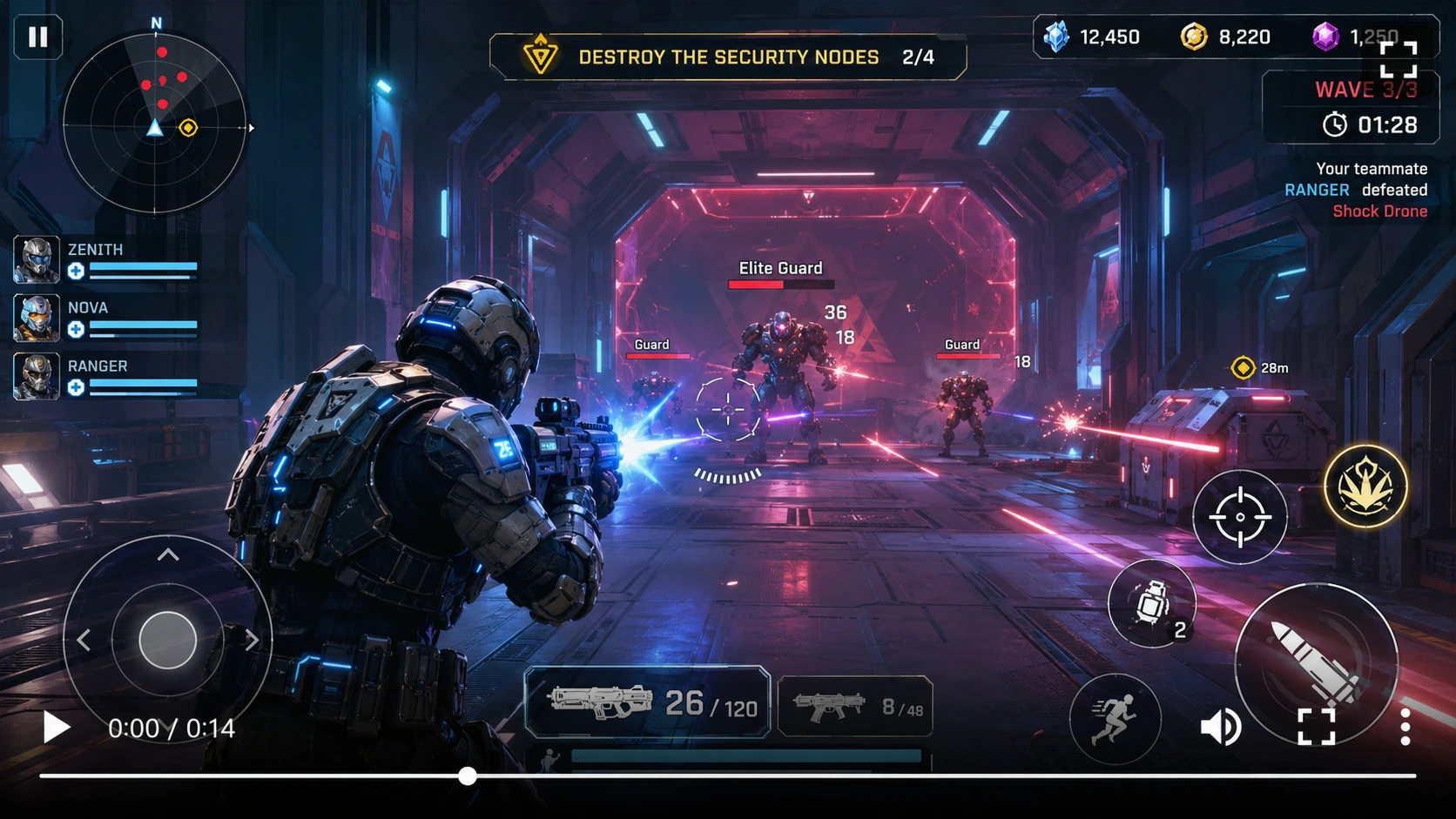
Recording campaigns tell the SDK when to record, when to stop, and which clips deserve to be uploaded.
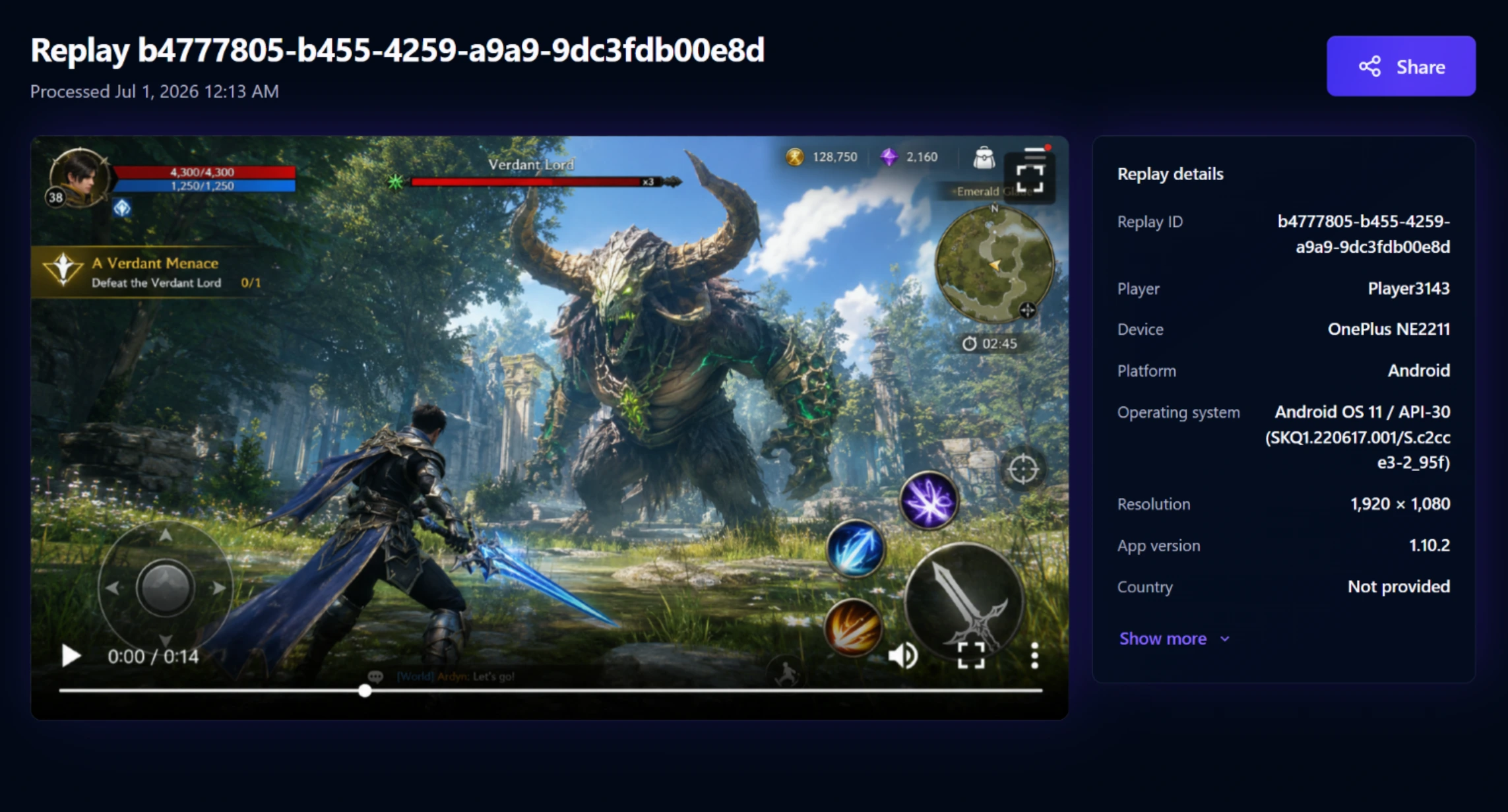
Choose what to capture and when. Playtrace handles the rest.
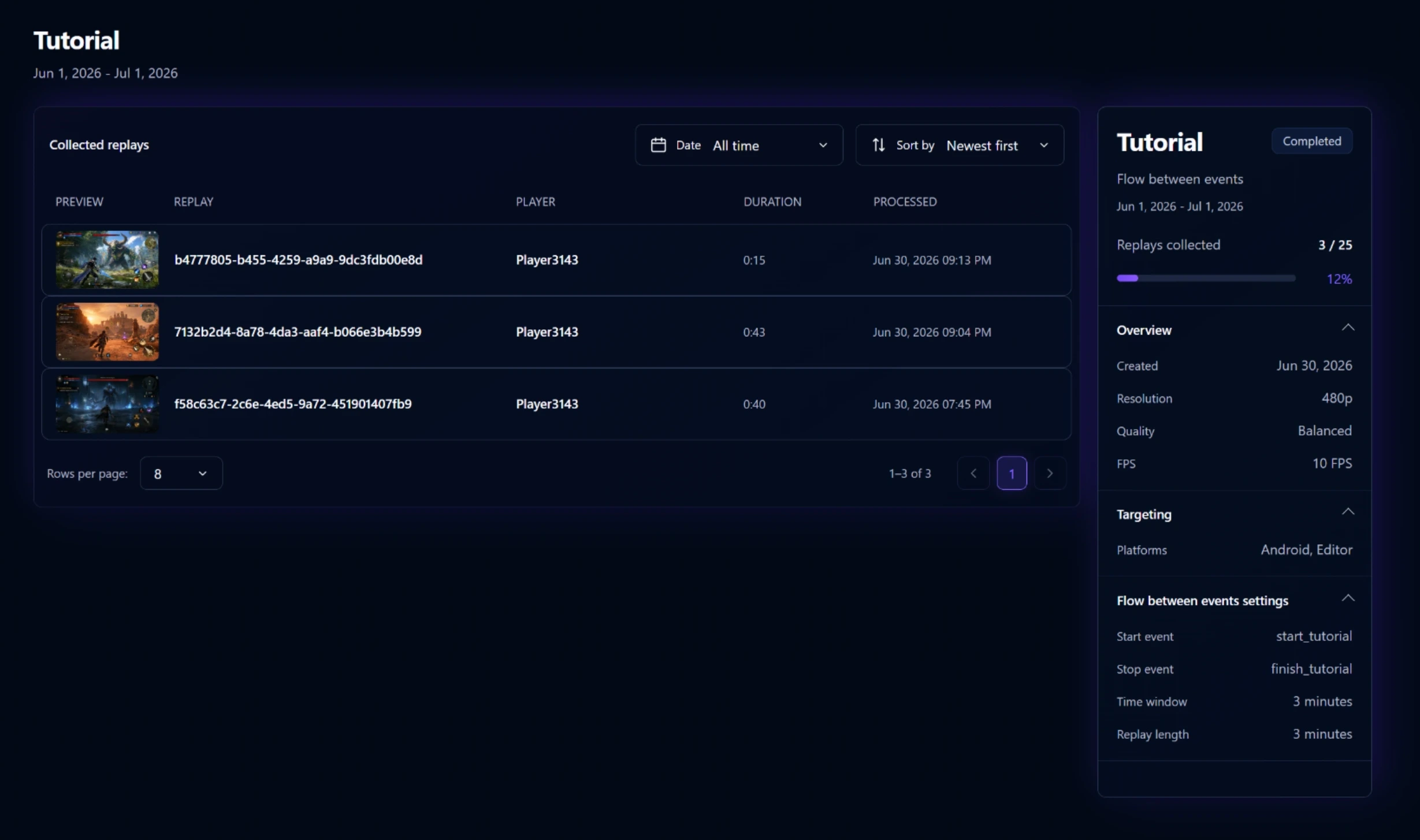
Hit a moment, collect real player replays, and review the evidence.
Playtrace is engineered for minimal performance impact, so your game runs smoothly for every player.
Compare replay upload volume across resolution, quality, and frame rate.
Loading benchmark results…
| Metric | Without Playtrace | With Playtrace | Impact |
|---|---|---|---|
| Main-thread CPUMedian frame time | |||
| Average FPSMedian run average | |||
| Peak memoryMedian process peak |
Benchmark workload: Unity Technologies' Boat Attack demo project, running its autonomous AI race. The project was modified only as necessary to automate benchmark collection. Playtrace capture settings: 480p, 10 FPS, and Balanced quality—the defaults.
Loading network results…
| FPS | Compact | Balanced | Detailed |
|---|---|---|---|
| 5 FPS | |||
| 10 FPS | |||
| 24 FPS |
Playtrace default (480p, 10 FPS, Balanced) uses ~1.15 Mbps upload.
 Russia
6.0 Mbps
Russia
6.0 Mbps
 UK
5.1 Mbps
UK
5.1 Mbps
 US
7.8 Mbps
US
7.8 Mbps
 Brazil
14.1 Mbps
Brazil
14.1 Mbps
 Germany
20.2 Mbps
Germany
20.2 Mbps
Representative value is the median of measured carrier-level medians from major mobile networks, based on M-Lab NDT data. Actual cellular speeds vary by carrier, location, device, and connection type.
Start free for non-commercial projects. Contact us when you need Playtrace for production, research, or commercial teams.
For prototypes, students, solo experiments, and non-commercial projects.
$0/ month
For commercial teams that need replay evidence from real players.
Contact us
See where players exit.
Spot moments of confusion.
Measure the impact of changes.
Identify lag, crashes, and edge cases.
Playtrace is replay management for Unity games, built around targeted recording campaigns.
Playtrace is designed to have minimal performance impact. Recording only happens when a campaign condition is active, so most players are not recording most of the time. See the benchmark results.
Yes. You can update campaigns from the Playtrace dashboard, and players will start using the new recording settings without requiring a game update.
No. Playtrace only records gameplay from inside your Unity game. It cannot record the player's device screen, other apps, notifications, passwords, or anything outside the game.
No. Playtrace is built around targeted recording campaigns. You choose which events matter, and Playtrace records only the sessions that match your campaign rules.
In most Unity projects, setup takes only a few minutes.
You can control the video quality. With lower-quality settings, replay uploads can use less than 50 KB per second of recorded video. See the network benchmarks.
Still comparing your options? See the best session replay tools for Unity games.
Start seeing what players actually do.
Set up your first replay campaign in minutes.